





Flip Frontier - Territory Capture Strategy Game
Flip tiles. Seize territory. Dominate the board.
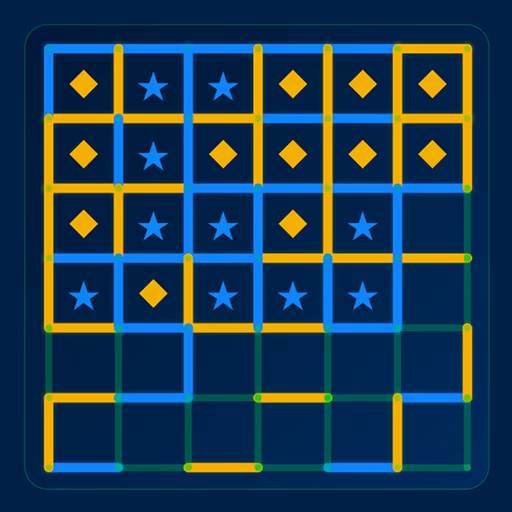
Flip Frontier is a fast, addictive turn-based strategy board game where every move matters. Expand your territory, flip your opponent's pieces, and control the 6x6 grid before they do.
Simple to learn. Surprisingly deep.
How to Play
Place your piece next to an enemy and watch them flip to your color. Choose to Clone (place a new piece in an adjacent cell) to grow fast, or Jump (move up to 2 cells away) to invade open space and outmaneuver your rival. Every landing can trigger a chain of flips - one smart move can swing the entire board.
Game Modes
- 1 vs 1 Local - Pass and play with a friend on the same device
- vs Computer - Challenge the AI on Easy, Medium, or Hard difficulty
Features
- Clean 6x6 strategy board - every cell counts
- Two distinct move types: Clone and Jump
- Flip mechanic - convert enemy pieces with every landing
- Early-game rule - adjacent-only moves for the first 3 turns per side, creating a fair, tactical opening
- Three bot difficulty levels - from beginner-friendly to ruthlessly competitive
- Live score tracker - always know who's winning
- Sound effects with a one-tap toggle
- In-game How to Play guide
- No internet required - play offline anywhere
Strategy Tips
Think before you land. Dropping next to a cluster of enemy tiles can flip several at once - but leave yourself exposed and they'll flip right back. Limit your opponent's legal moves and you can end the game before the board even fills up.
Who's It For?
Perfect for fans of Othello, Reversi, tile strategy games, and anyone who loves a sharp two-player board game on mobile. Great for quick sessions or competitive rematches.
Flip Frontier is a completely free to play. No paywalls. Just pure strategy.
Can you flip your way to victory?
Controls
Desktop Controls
Mouse: Click a piece to select, then click a highlighted cell to Clone or Jump. Use the in-game guide for rules and the sound toggle for SFX.
Mobile Controls
Touch: Tap a piece to select, then tap a highlighted cell to Clone or Jump. Use the in-game guide for rules and the sound toggle for SFX.
Frequently Asked Questions
How do I play Flip Frontier?
Select one of your pieces on the 6×6 grid, then move it to a highlighted empty cell. You can Clone (place a new piece in an adjacent cell, keeping your original) or Jump (move up to 2 cells away, vacating your original cell). After your move, any enemy pieces touching your landing cell instantly flip to your color. The player with the most pieces when the board is full wins.
What is the difference between Clone and Jump moves?
A Clone move places a new piece next to your selected piece — your count grows by one and your original stays. A Jump move relocates your piece up to 2 cells away — your original cell becomes empty, so your count stays the same but you reach a better position or trigger flips in a new area.
How do I flip enemy pieces in Flip Frontier?
After every move, all enemy pieces directly adjacent to the cell you just moved into automatically flip to your color. Landing next to a cluster of enemy pieces can flip multiple tiles in a single turn.
Is Flip Frontier free to play online?
Yes. Flip Frontier is completely free to play in your browser at freegametoplay.com — no download, no account, and no payment required.
Can you play Flip Frontier on mobile?
Yes. Flip Frontier is fully mobile-friendly and plays in any mobile browser. It is also available as a free app on the App Store and Google Play.
What is the best strategy to win in Flip Frontier?
Land next to enemy clusters to maximise flips in one move. Clone early to build your piece count before Jumps unlock. Once Jumps are available, invade territory your opponent hasn't reached. Most importantly — limit your opponent's legal moves. If they run out of moves entirely, you win immediately regardless of the score.