Loading Bridge Run - Build, Cross & Don't Fall!...
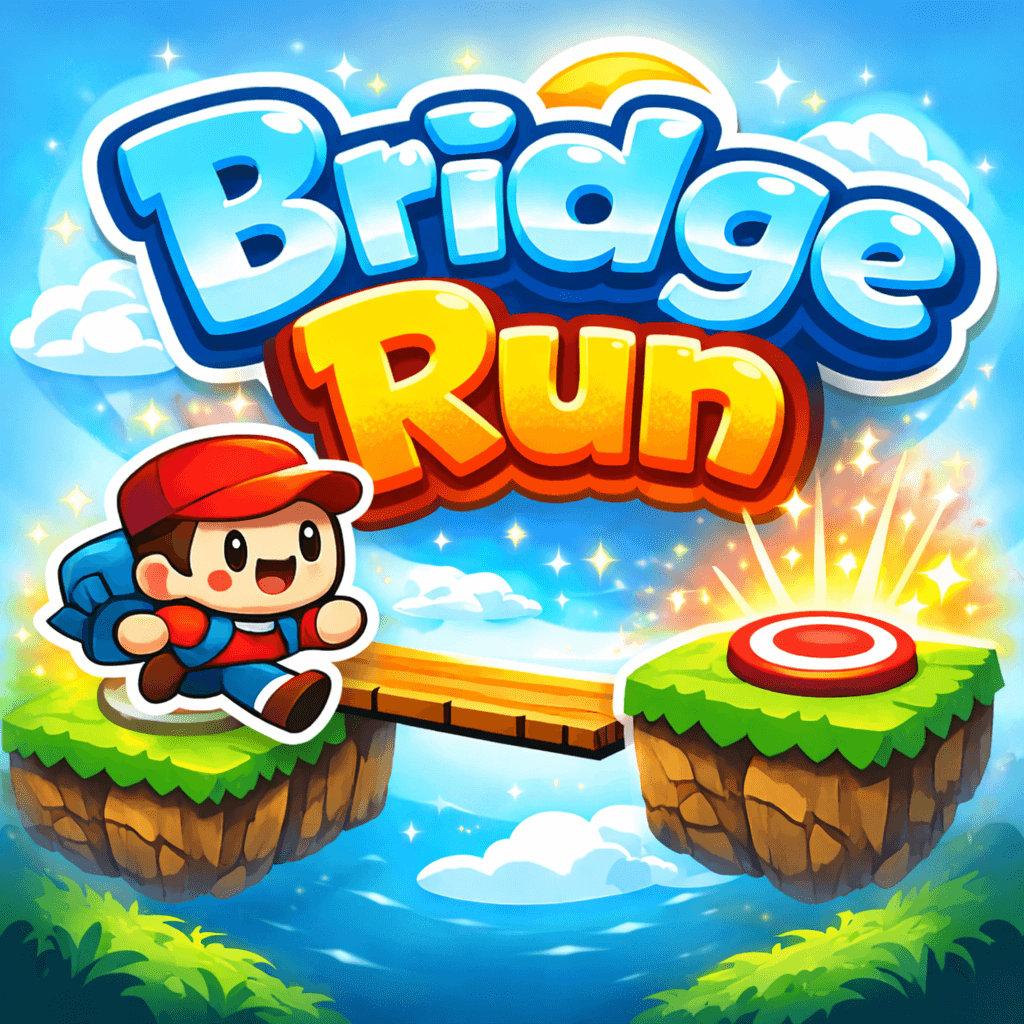
Bridge Run - Build, Cross & Don't Fall!

Bridge Run - Build, Cross & Don't Fall!
Can you build the perfect bridge? 🌉
Bridge Run is a addictive one-button precision game where your timing is everything. Stand on the edge of a platform, hold to grow your bridge, release to drop it — and hope it lands exactly on the next platform. One bad bridge and it's all over.
🎯 HOW TO PLAY
• HOLD to grow your bridge longer
• RELEASE to drop it across the gap
• Walk across safely to the next platform
• Repeat — each gap is a brand new challenge
🌟 AIM FOR PERFECTION
Every platform has a red dot in the centre. Land your bridge tip exactly on it to earn a PERFECT BONUS — an extra point, a flash on screen, and a particle burst reward. Good players cross. Great players hit the dot every time.
⚡ KEY FEATURES
• One-button gameplay — hold, release, done
• Perfect landing bonus system (PERFECT +1)
• Randomly generated gaps and platform widths — no two runs are the same
• Bright, Mario-inspired visuals with sky, grass platforms and a charming character
• Sound feedback — bridge impact, footsteps, fall sounds and a special perfect-landing chime
• Score tracker with personal best (BEST) saved to your device
• Instant play — no download, no login, no install required
• Fully mobile-friendly with touch controls
🎮 CONTROLS
Desktop: Hold mouse button or hold Space bar to grow — release to drop
Mobile: Tap and hold anywhere on the game screen — lift to drop
📏 THE CHALLENGE
Bridges can be too short (you fall into the gap) or too long (you overshoot the far edge and fall). Every new platform brings a different gap width, so you can never rely on muscle memory. You must read each gap and judge every single bridge fresh.
There are no lives. No checkpoints. One fall ends your run and your score resets. How far can you go?
🏆 SCORING
+1 point — complete a safe crossing
+1 bonus point — land your bridge tip on the red centre dot (PERFECT)
Beat your personal best and keep climbing!
🆓 100% FREE
Play Bridge Run instantly in your browser — on desktop, tablet or mobile. No download. No account. Just tap Build and go.
Simple to learn. Nearly impossible to master. Start your run now! 🚀
Controls
Desktop Controls
Mouse: hold left click (or hold Space) to grow the bridge; release to drop it.
Mobile Controls
Touch: tap and hold anywhere to grow the bridge; lift to drop it.
Pro Tips
Watch the gap and platform width every time — they change constantly. If you're aiming for PERFECT, try to land the bridge tip right on the red dot for the bonus point.
Frequently Asked Questions
How do you play Bridge Run?
Hold the mouse button, tap and hold on mobile, or hold the Space bar to grow your bridge from the edge of your platform. Release when you think the bridge is long enough to reach the next platform. Your character walks across automatically. If the bridge is too short or overshoots the far edge, your character falls and the run ends.
What is the red dot in Bridge Run?
The red dot is the perfect-landing bonus target placed in the centre of every platform. If the tip of your bridge lands exactly on the red dot when it drops, you instantly earn a bonus point and a PERFECT +1 message flashes on screen with a particle burst effect.
How do I score points in Bridge Run?
You earn 1 point for every successful crossing where your character reaches the next platform safely. If your bridge tip also lands on the red centre dot, you earn an extra bonus point — making a perfect crossing worth 2 points for that single gap.
Can my bridge be too long in Bridge Run?
Yes. If you hold too long and the bridge extends past the far edge of the next platform into empty space, your character walks off the end and falls — ending your run instantly. Both too short and too long count as a fail.
Is there a way to save mid-run in Bridge Run?
No. There are no lives, no checkpoints and no mid-air saves. One bad bridge ends your entire run and your score resets to zero. This is what makes every crossing count.
Is Bridge Run free to play?
Yes. Bridge Run is 100% free to play directly in your web browser with no download, no installation and no account required. Just click Build and start playing instantly.
Is Bridge Run playable on mobile?
Yes. Bridge Run is fully mobile-friendly. Tap and hold anywhere on the game screen to grow your bridge, then lift your finger to drop it. The game works smoothly on any smartphone or tablet browser.
Does Bridge Run save my best score?
Yes. Your personal best score is saved automatically to your device and browser. It appears at the top of the screen labelled BEST so you always know what score you need to beat.
How do the gaps change in Bridge Run?
Every new platform is randomly generated with a different gap width and platform size — ranging from easier short gaps with wide platforms to much harder long gaps with narrow platforms. No two runs are ever the same, so you must judge every bridge fresh.
What controls does Bridge Run support?
Bridge Run supports mouse (hold left button), keyboard (hold Space bar) and touchscreen (tap and hold on the game area). All controls work the same way — hold to grow, release to drop.
Where can I play Bridge Run online?
You can play Bridge Run right here on FreeGameToPlay. It runs in the browser on desktop and mobile, is free, and needs no download or account.